
Every office relies on its photocopier far more than most people realise, and when the machine grinds to a halt, productivity often follows suit. Whether you manage a small business in Cheshire or a busy school office in Kent, understanding how these machines work and knowing what to do when they misbehave can save both time and money. This article walks through the most frequent culprits behind copier troubles, practical ways to keep the equipment running smoothly, and when it makes sense to call in the professionals rather than tinkering yourself.
In short
- Paper jams are frequently caused by improper loading, damp paper, or poor stacking, and should be cleared gently to avoid damaging the internal rollers.
- Diagnostic error codes on modern copiers should be addressed by checking the machine's manual, power connections, and network settings before assuming a serious fault.
- Routine cleaning of the drum and rollers using a lint-free cloth is vital for maintaining the xerographic process and preventing print quality issues.
- Regular preventive maintenance, including timely toner replacement, firmware updates, and staff training, significantly reduces downtime and operational costs.
- Professional repair services are necessary when facing complex hardware failures, persistent error codes, or unusual mechanical noises that DIY efforts cannot resolve.
- Using genuine replacement parts is essential for ensuring long-term machine reliability and maintaining consistent print quality.
Understanding common photocopier malfunctions and their root causes
Identifying paper feed jams and mechanical obstructions
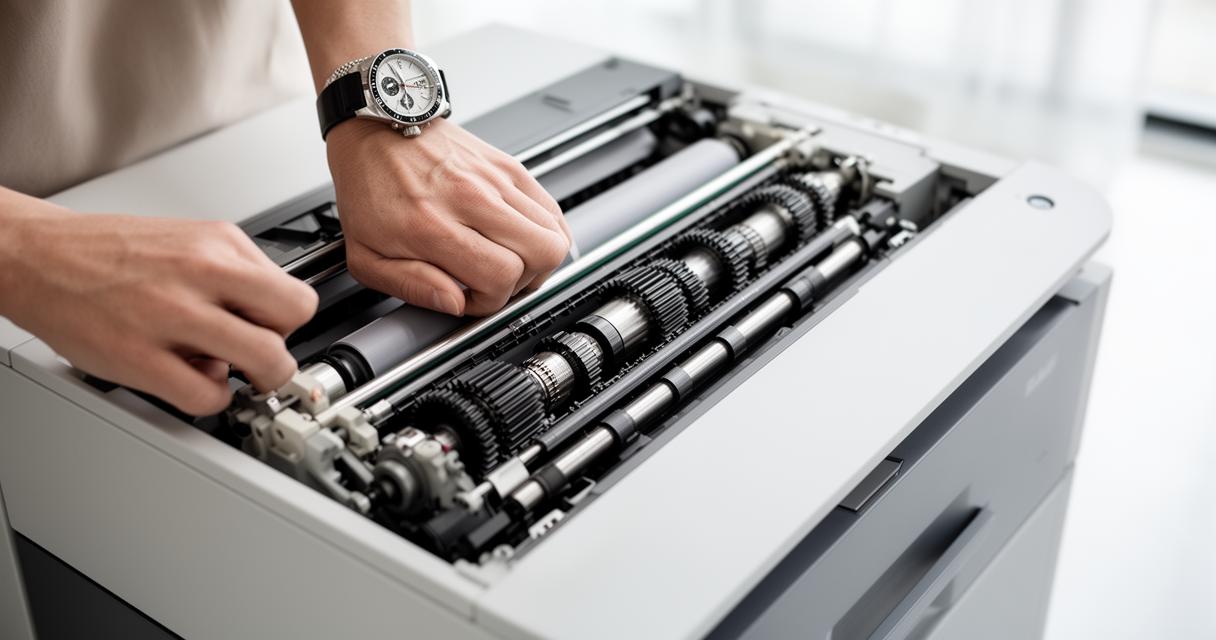
Few things frustrate office staff quite like a stubborn paper jam interrupting an important print run. In most cases, the problem stems from something surprisingly simple, such as the wrong paper size loaded in the tray, sheets that have become damp or damaged, or paper that has been stacked unevenly. A thorough check of the paper tray arrangement often reveals the issue before you even open the machine. If a jam does occur, the safest approach is to switch off the copier and gently ease out the trapped sheet rather than yanking at it, since forcing the mechanism can cause lasting damage to internal rollers. Regular inspection and cleaning of these trays go a long way towards preventing recurring paper jams altogether.
Diagnosing error codes and display warning messages
Modern digital copiers are fitted with diagnostic displays that flash up error codes whenever something isn't quite right. These messages can relate to anything from a simple paper misfeed to more serious internal faults, and referring to the machine's manual is usually the quickest way to interpret them. It's also worth checking the basics first, including the power supply connection, since a loose plug or tripped socket can masquerade as a more complicated fault. Network connectivity problems can likewise trigger warnings on multifunction copiers, particularly when the device is expected to scan directly to email or shared folders. Restarting the machine often clears minor glitches, but persistent error codes usually point to a deeper issue that warrants closer investigation.
Practical maintenance techniques to ensure optimal performance
Routine Cleaning Procedures for Drums and Rollers
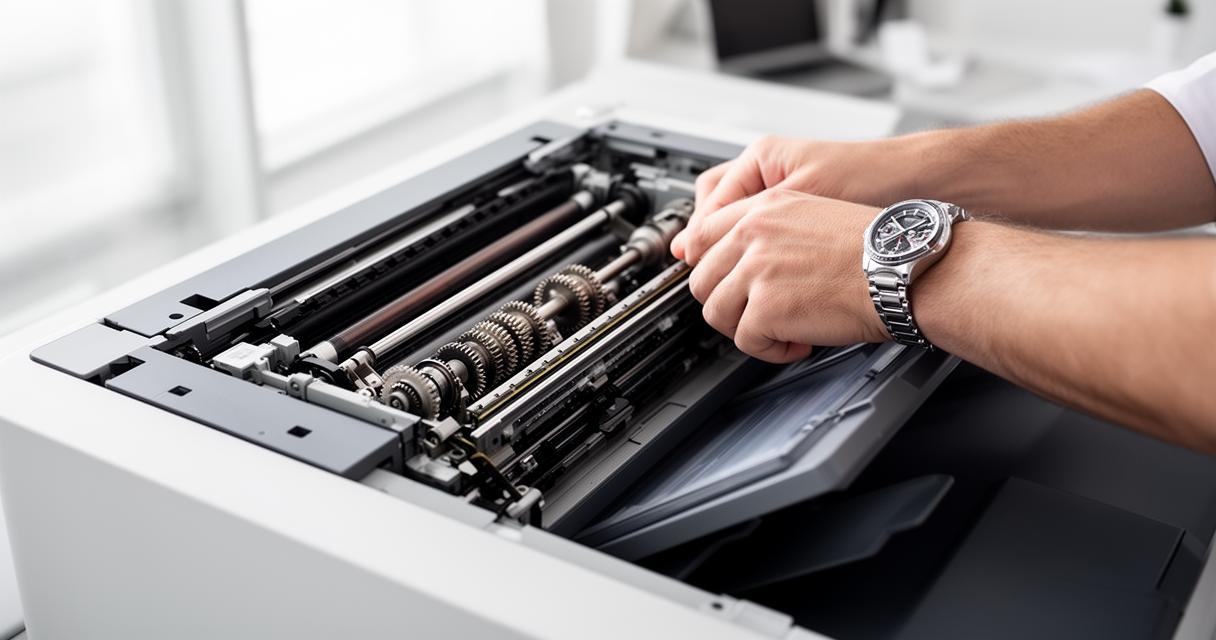
To appreciate why cleaning matters so much, it helps to understand the science behind the copy itself. Photocopiers rely on a process called xerography, developed in the 1930s by the American inventor Chester Carlson, whose original design still underpins the technology used today. The process involves charging a drum, forming an image using light, applying toner, transferring that image onto paper, and then fusing it in place with heat before the drum is cleaned ready for the next cycle. Because the drum and rollers are so central to this sequence, keeping them free of dust and toner residue is essential. A lint-free cloth can usually clear away light blemishes, but marks that keep reappearing on printed pages often signal a worn or damaged drum that requires professional attention. Likewise, wrinkled pages emerging from the output tray can indicate that certain parts have simply reached the end of their working life and need replacing.
Preventive measures to extend equipment lifespan
Consistent, preventive maintenance is one of the most effective ways to keep a copier performing well for years rather than months. This includes routine cleaning, checking that all components are functioning as they should, and replacing consumables such as toner cartridges before they run completely dry. Print quality problems, whether copies appear too light or too dark, can frequently be resolved by adjusting density settings or simply fitting a fresh cartridge. Firmware updates shouldn't be overlooked either, as manufacturers regularly release improvements that fix bugs and enhance compatibility with office networks. Training staff on correct usage also makes a genuine difference, since many breakdowns stem from avoidable mistakes such as forcing the machine to continue working through a jam, switching it off incorrectly, or attempting untrained repairs that end up causing more harm than good. Businesses that commit to a structured servicing routine often notice a marked improvement in office productivity, alongside a reduction in unexpected downtime, and some organisations report cost reductions of up to 30 percent simply by keeping their equipment well maintained.
When to Seek Professional Repair Services and Source Genuine Spare Parts
Recognising equipment failures requiring expert intervention
There comes a point where DIY fixes are no longer appropriate, particularly when dealing with complex hardware faults or internal malfunctions that go beyond a simple jam or toner swap. Slow performance linked to network or software issues, persistent error codes, or mechanical noises during operation are all signs that it's time to call in specialists. Companies such as WA Hutton, based in Romiley, Stockport, Cheshire, and reachable on 0161 822 0850, along with V Technical in Canterbury, contactable on 01227 469892, offer expert repair services covering areas including Ashford, Chatham, and the wider Kent region. Their engineers typically follow a methodical troubleshooting process, checking the power supply, inspecting paper trays, verifying toner and ink levels, and restarting the machine before diagnosing anything more serious. Quick response times and tailored service plans mean that businesses can get back up and running with minimal disruption.
Sourcing quality replacement components for long-term reliability
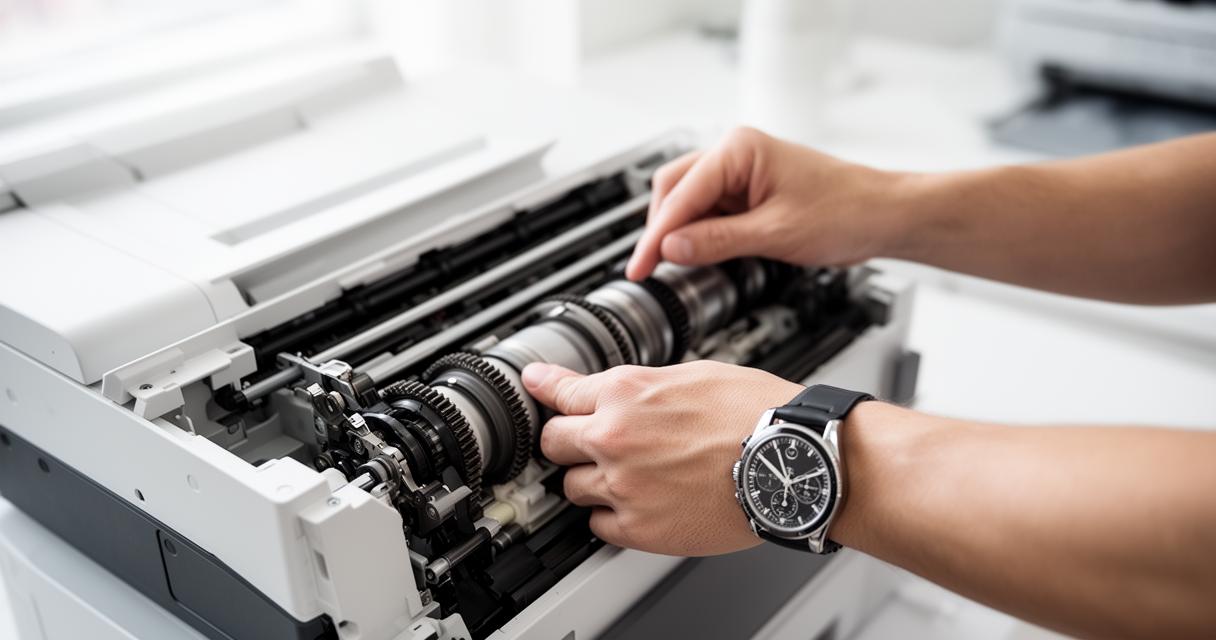
When parts do need replacing, quality matters just as much as speed. Genuine components help maintain consistent print quality and reduce the likelihood of repeat failures, which is why firms specialising in photocopier repair services often recommend sourcing parts through established suppliers rather than opting for cheaper, unverified alternatives. Providers such as PBS, who can be reached on 0800 157 7487, offer support alongside eco-friendly solutions designed to minimise environmental impact while keeping running costs manageable. Service contracts that include scheduled check-ups, consumables replacement, and access to customised maintenance plans tend to offer the best value over the equipment's lifespan. Ultimately, whether your office relies on an analogue model or a fully digital multifunction system, treating the copier as a piece of equipment that deserves regular attention, rather than something to be used until it breaks, is the surest way to keep documents flowing smoothly for years to come.