Whether you are setting up a new desktop or simply trying to get more out of your laptop, understanding the accessories that plug into your machine can make a huge difference to your daily computing experience. From the humble mouse to a robust backup drive, these add-ons quietly shape how efficiently and safely you work. This article walks through the main categories of computer peripherals, before taking a closer look at why external hard drives deserve a special place in your setup.
Key takeaways
- Computer peripherals are essential accessories categorized into input, output, storage, and network devices that extend a machine's functionality.
- Input devices allow user communication with the computer, while output devices translate processed data into accessible formats like audio or visual information.
- Storage peripherals like external hard drives expand system capacity and serve as critical tools for data backup and disaster recovery.
- Establishing automatic backup routines using external storage protects digital assets against hardware failure, corruption, or device theft.
- Selecting the right storage device requires balancing individual needs regarding capacity, portability, and durability.
- Before purchasing any peripheral, users must verify system compatibility and connectivity options, such as USB ports or wireless standards.
- Effective peripheral selection should be based on personal work habits and hardware constraints to ensure devices function as seamless extensions of the computer.
Understanding the Essential Categories of Computer Peripherals
A computer on its own, without any accessories, is rather limited. It is the peripherals attached to it that turn a plain box of circuits into a genuinely useful tool. Broadly speaking, these devices fall into a handful of categories, each serving a distinct purpose within the wider system. Getting to grips with these categories helps when deciding what you actually need, rather than being swayed by flashy marketing.
Input and Output Devices: The Foundation of User Interaction
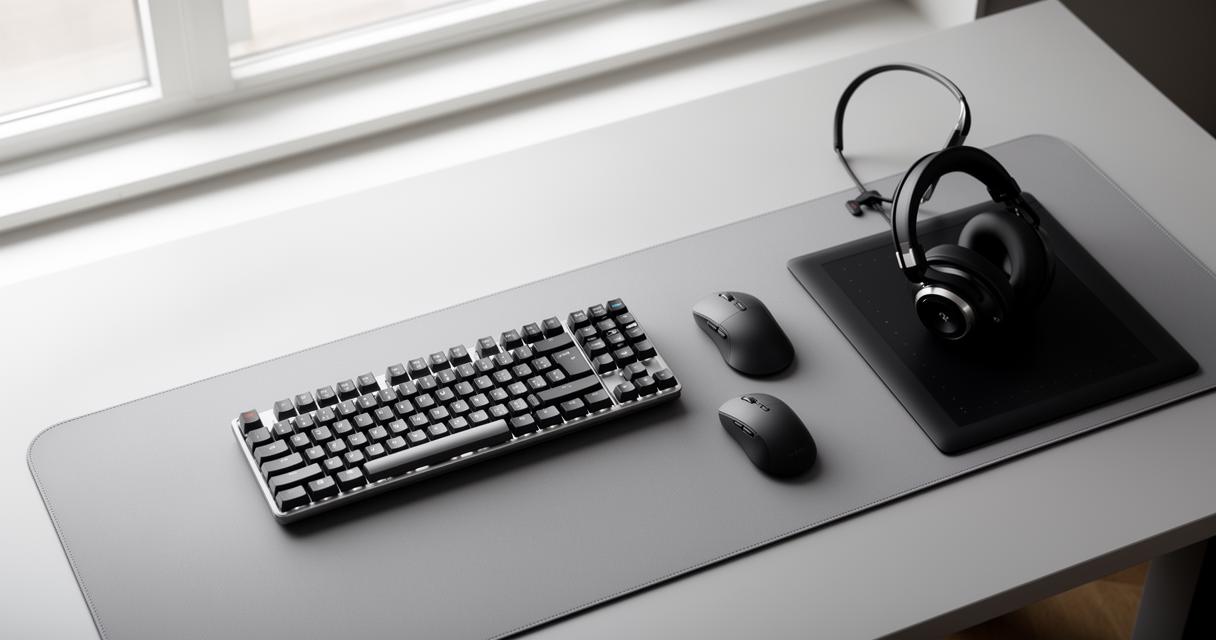
Input devices are the tools that let you communicate with your computer. The keyboard and mouse are the most obvious examples, but this category also includes scanners, webcams and graphics tablets. Without them, there would be no way to type a message, click a link or draw a digital sketch. On the flip side, output devices are how the computer talks back to you. Screens, printers and speakers all fall under this heading, translating processed data into something you can see, hear or hold in your hand. Together, input and output devices form the basic loop of interaction that most people take for granted every single day.
Storage and network peripherals: expanding your system's capabilities
Beyond the basics of interaction, there is a whole world of peripherals dedicated to storing and sharing information. Storage peripherals, such as external hard drives and USB flash drives, give you extra room to keep files, photographs and documents that might otherwise clog up your internal drive. Meanwhile, network peripherals like modems and routers are what allow your computer to connect to the internet and to other devices on a shared network. Each of these accessories typically connects to the computer's motherboard, often via a USB port or another type of cable, and it is this connection that determines how quickly and reliably data can move between devices.
Why External Hard Drives Are Vital for Data Protection and Recovery
Among all the peripherals mentioned so far, external hard drives stand out for one particular reason: they act as a safety net. Anyone who has ever lost an important file to a sudden crash knows how unsettling that experience can be, and a decent backup drive is often the difference between a minor inconvenience and a genuine disaster.
The Role of Backup Solutions in Safeguarding Your Digital Assets
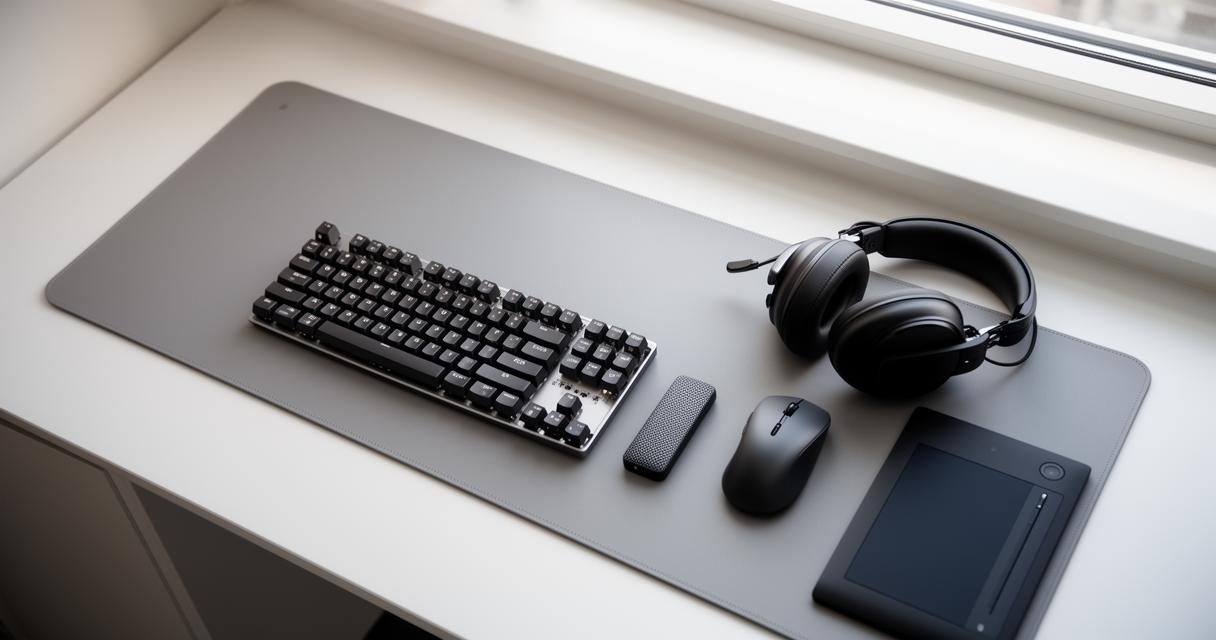
Backing up your data is not just a suggestion reserved for IT professionals; it is a habit that everyone with a computer should adopt. External disks offer a straightforward way to duplicate your files, meaning that if your main drive fails, becomes corrupted, or your device is lost or stolen, your photographs, work documents and personal records remain safe elsewhere. Many people set up automatic backup schedules so that copies are made regularly without having to think about it. This kind of routine protection is what turns a simple external hard drive into a proper backup solution rather than just an accessory for extra storage.
Choosing the Right External Storage Device for Your Needs
Not all external drives are created equal, and the right choice really depends on what you intend to use it for. Someone storing a handful of documents will have very different requirements from a video editor working with large files, or a photographer archiving thousands of high-resolution images. It is worth thinking about capacity, portability and durability before making a purchase, since a rugged, compact drive suits travel far better than a bulky desktop unit, while a larger, less portable drive might make more sense if you simply need it to remain plugged into your home office setup.
Selecting compatible peripherals: what to consider before you buy
With so many peripherals available on the market, from basic input devices through to sophisticated storage and network equipment, choosing the right one can feel overwhelming. A little forward planning, however, can save both time and money.
Assessing connectivity options and system compatibility
Before buying any peripheral, it is sensible to check how it will actually connect to your computer. Some devices rely on a standard USB connection, while others might require a different port or even a wireless connection via Bluetooth. Checking compatibility with your existing setup avoids the frustration of bringing home a new gadget only to discover it simply will not work with your system. This is particularly relevant for external hard drives, where transfer speeds and connection types can vary quite a bit between models.
Matching Peripheral Purpose with Desktop or Laptop Requirements
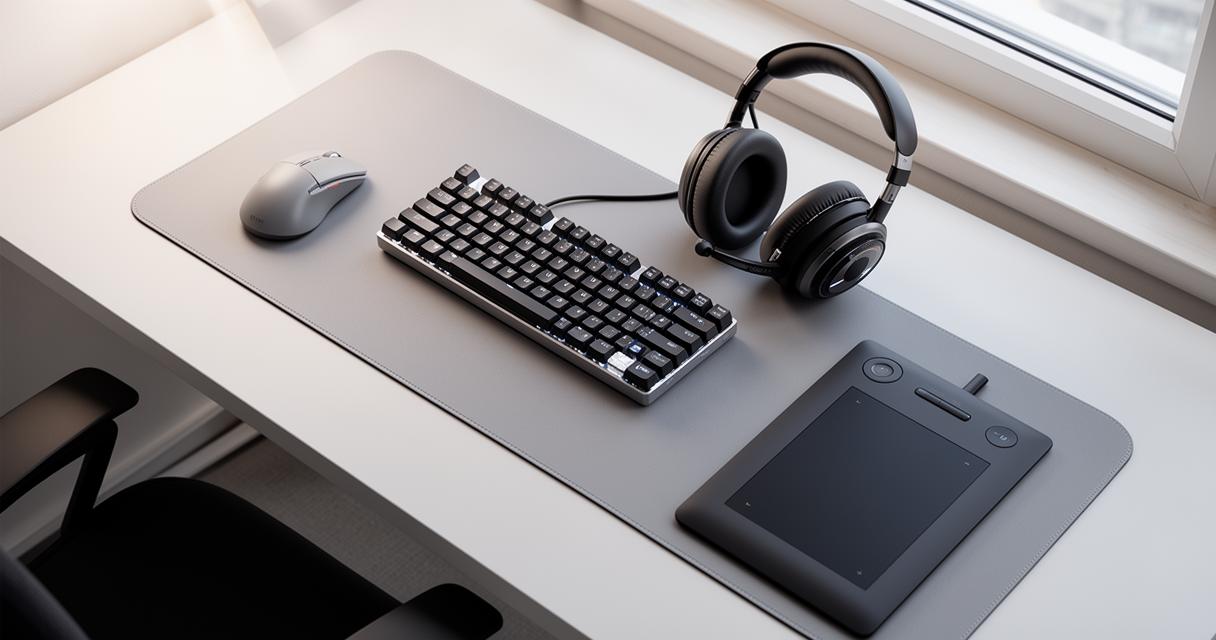
It also helps to think about how a peripheral fits your specific way of working. A desktop user with plenty of desk space and multiple USB ports has more flexibility than someone relying on a slim laptop with limited connectivity. For laptop owners, a compact, lightweight external drive or a wireless mouse might make far more practical sense than a large stationary alternative. Ultimately, a well-chosen peripheral should feel like a natural extension of your computer rather than an awkward add-on, enhancing your overall computing experience whether you are typing away at a desktop or working on the move with a laptop.
Choosing the right combination of input devices, output devices, storage solutions and network equipment is less about following trends and more about understanding your own habits and needs. And when it comes to protecting the files that matter most, investing in a reliable external hard drive remains one of the simplest, most effective decisions you can make for your digital peace of mind.